OLED Screen Burn-In & Uniformity Test
Diagnostic suite engineered for WOLED, QD-OLED, and AMOLED panels (LG OLED, Samsung Odyssey, Alienware, ASUS ROG). Check for dead subpixels, permanent burn-in retention, vertical banding, and near-black gray uniformity.
Launch OLED Diagnostic Test
Cycles pure RGBW colors, 5% and 10% dark gray uniformity screens, and pure black (0 nits).
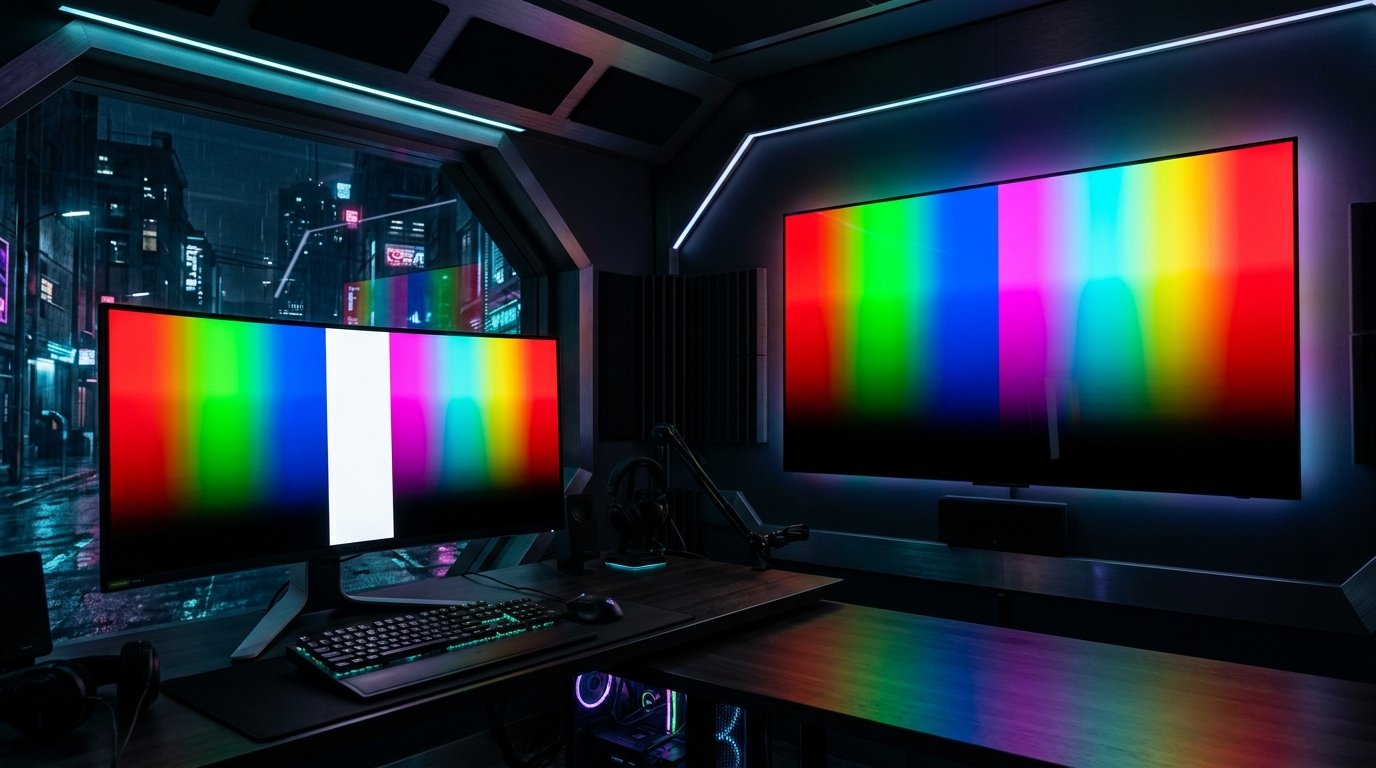
How to Test an OLED Display for Burn-In & Uniformity
Because OLED pixels emit their own light, each subpixel wears down slightly as it operates. Over time, uneven subpixel wear causes burn-in (permanent image retention). Run our test to check these 3 vital OLED metrics:
1. 5% Near-Black Gray Banding
In a pitch-black room, open dark gray screens. Check for vertical lines (jail-bar effect) or dark blotches across the center of the panel.
2. Primary Color Burn-In Scan
Red subpixels wear fastest on QD-OLED and WOLED panels. Display pure Red and Magenta to reveal taskbar or Windows start icon ghosting.
3. True Black Zero-Bleed Check
On the pure black screen (#000000), OLED pixels must completely power off (0.000 nits). There should be zero glow or light leakage.
3-Year OLED Burn-In Warranties (What You Need to Know)
In response to gamer concerns, top monitor brands now include 3-year burn-in warranties on QD-OLED and OLED gaming displays:
- Dell Alienware: 3-year Premium Panel Exchange with advanced unit replacement covering OLED burn-in.
- ASUS ROG & MSI: 3-year warranty with dedicated OLED burn-in protection coverage.
- LG Electronics: 2 to 3-year UltraGear OLED warranty with certified pixel refresh maintenance guidelines.
Comparing QD-OLED vs WOLED Monitors?
Compare color volume, highlight brightness, text clarity, and raised blacks in our full technical comparison.
Frequently Asked Questions (OLED Display Testing)
What is the difference between image retention and burn-in?
Image retention is temporary and disappears after running a built-in pixel cleaner or power cycle. Burn-in is permanent physical degradation of organic light-emitting subpixels. Read our in-depth OLED Burn-In vs Image Retention guide for full details.
Can OLED panels have stuck pixels?
Yes. If an individual thin-film transistor (TFT) driving an organic diode gets locked on, a bright stuck pixel will remain visible against dark scenes.